Knowing the basics of Claude is one thing. Knowing what a business will actually pay you to build is another.
These four AI automation systems are a good place to start because members of my community have already built and sold them. They solve practical problems: overdue paperwork, leads that never book, content bottlenecks, and company information nobody can find.
The projects range from a $2,200 intake funnel to $15,000 company brain implementations. So, while $3,000+ projects are absolutely part of the opportunity, there is no universal price tag. The value comes from the business problem you solve, not the fact that you used Claude.
Key Takeaways
- Businesses buy reduced workload, better follow-up, more content capacity, and easier access to information.
- Start with one painful workflow, prove its value, and expand after it works.
- Recurring content and company knowledge needs can support ongoing monthly services.
- Match automation to the business’s constraint: more customers or more capacity to serve them.
Table of Contents
- 1. Voice Notes to Branded Documents
- 2. An Intake and Follow-Up Funnel
- 3. A Creator OS for Consistent Content
- 4. A Company Brain
- How to Pick and Pitch the Right System
- Match the System to the Business’s Actual Constraint
1. Voice Notes to Branded Documents
This is the simplest system of the four: someone working in the field sends a voice note, and the system turns it into a branded document ready for review.
Jodie built this for a construction company whose foremen needed to complete site registers, risk assessments, and plant registers. After a long day on site, nobody wanted to sit down and type everything up. The paperwork kept falling days behind the actual work.
How the workflow works
- A foreman sends a voice note through WhatsApp.
- The system transcribes the message.
- It matches the information to the correct project’s job record.
- It produces a branded PDF draft.
- The document is automatically saved to the company’s SharePoint and sent to the appropriate people.
- A person reviews and signs it off.
That last step matters. This is not about letting AI independently approve safety documentation. The automation handles the repetitive preparation, while a person remains responsible for reviewing the result.

Jodie charged £4,500, approximately $6,000, for the system.
How to justify the price
Lead with time and risk, not transcription or PDF generation.
Ask the owner how many hours their foremen spend on paperwork each week. If five foremen each spend five hours, that is 25 paid hours every week going into administrative work. Use the company’s actual labor costs to put a dollar figure against that workload.
Then discuss the risk of documentation lagging behind work on site. A backlog is not just annoying. For documents connected to safety and compliance, it can become a real business concern.
There is also a less obvious advantage: the team does not need to learn a completely new way of working. They already know how to send a voice note, and they already know the information that belongs in the document.
Business owners weigh more than your invoice. They also weigh the time required to adopt a system, the risk of changing a process, and the effort involved in getting staff to use it. A familiar input method reduces that friction.
How to find your first buyer
Pick a trade where people spend most of the day away from a desk, such as construction, plumbing, or electrical work.
Ask one practical question: Which document does your team hate filling out most?
Build the automation for that document first. Once it works, you can add the next one. You do not need to automate the company’s entire paperwork process to create a valuable first project.
2. An Intake and Follow-Up Funnel
This system takes someone from a social post to a paid, booked appointment without the owner manually chasing every step.
It combines two pieces. The first helps generate interest by producing weekly social posts for multiple platforms in the owner’s voice. The second turns that interest into a structured intake and booking process.
What the funnel handles
- A potential client fills out an interest form linked from a social post.
- The lead is added to the CRM.
- A text message and email deliver a payment link.
- After payment, the intake form and waivers are sent.
- Reminders continue until the required documents are signed.
- The client receives a booking link, followed by a Zoom confirmation and appointment reminders.

Luis built this for a semi-retired doctor who did not want to hire a marketing team or a full front desk staff. He charged $2,200, and the system reportedly saved the client about 15 hours a week. The client later hired him for another $6,000 project.
That is an important part of the opportunity. A useful first implementation can open the door to more work because the client has already seen you deliver.
Pitch the revenue gap
This is one of the easier systems to position because it connects directly to revenue.
Ask how many people filled out a form last month and how many actually paid. If 40 people expressed interest but only 10 paid, there are 30 people whose progress through the process is worth investigating.
That does not mean automation will convert all 30. It means there may be a follow-up gap you can address. Depending on the value of each customer, a few additional bookings could cover the project fee.
Look for three buying signals
- The business runs on appointments or bookings.
- Leads arrive through forms or calls, then sit without consistent follow-up.
- The owner or someone on the team is manually chasing people.
When all three are true, map the journey from first contact to booked appointment on one page. Mark the steps that genuinely require a human, then automate the gaps between them.
Record a short demo that makes the improved process obvious. Upwork is one place to look for these projects, and it is where Luis found this client.
3. A Creator OS for Consistent Content
A creator OS produces content in a creator’s voice and, where included in the project, their likeness. It is also a natural fit for recurring revenue because the need for content does not end when the initial build is finished.
Charles built one for a woman who teaches digital and affiliate marketing to women in their 50s. She was producing everything manually and could not keep up.
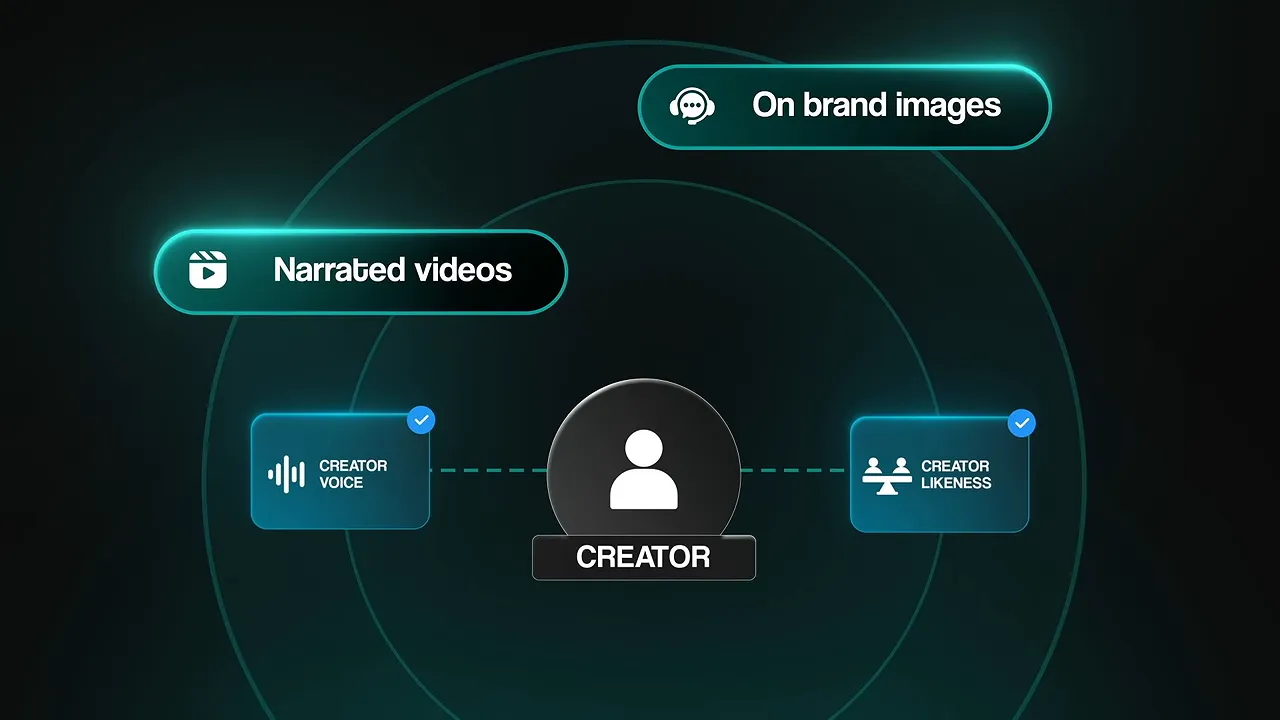
The system used her cloned voice and likeness to create narrated videos and on-brand images, reducing the amount of filming and writing she needed to do herself.
What the client actually bought
Charles also delivered a much broader package:
- A six-page website.
- A print-on-demand store.
- A 101-page guide priced at about $200.
- A nine-email nurture sequence.
- SEO work for 12 pages.
- A lead capture quiz.
He definitely over-delivered. The project fee was approximately $3,600, and the client asked for ongoing support before he even proposed a retainer. That added $197 per month.
Keep that scope in mind when comparing prices. This was not simply a fee for generating a few social posts. It included content production and several supporting business assets.
Sell growth, not generated content
The business case is straightforward: more relevant content can create more attention, which can create more leads and sales. The point is not to promise that every extra post produces revenue. It is to connect increased output to an offer the creator already knows how to sell.
Use the client’s actual numbers. At a $197 guide price, roughly 19 additional sales would generate enough gross revenue to cover a $3,600 project fee. That is revenue math, not a guarantee or a calculation of profit.
The ongoing fee also has a clear purpose. The creator needs new content every week, so there is a continuing job to do, especially if the system is producing useful results.
How to approach a creator
- Find a creator or coach who already sells something and has a proven offer.
- Study 20 to 30 of their posts and build a written voice profile.
- Create three sample pieces in that voice.
- Send the samples with a simple explanation of what you built.
- If they like the results, offer to run one platform for a month.
- Use that experience to propose the full system and an ongoing monthly service.
The samples make the offer tangible. Instead of asking someone to imagine what AI could do for their content, you give them something specific to evaluate.
4. A Company Brain
A company brain connects the information a business already has so the team can ask questions and get useful answers without hunting through scattered tools.
Think documents, processes, client history, project information, and meeting records. Instead of relying on someone to remember where a detail lives, the team has a shared AI interface to the relevant sources.
Of these four categories, this is the one I see with particularly strong demand and the highest-priced implementations in these examples.
What it can connect and do
A company brain can connect tools such as Google Drive, Calendar, Gmail, Asana, and HubSpot. Depending on the scope, it can also:
- Send daily briefings.
- Write project recaps.
- File meeting records into the correct folders.
- Generate documents from company context.
- Produce research briefs for new leads.
- Support role-specific dashboards.

The point is not to connect every possible tool. The point is to connect the tools containing the answers the team actually needs.
Make the cost of searching visible
Ask how much time people spend looking for information or waiting for a colleague to answer a question.
If a 20-person team loses two hours per person each week, that is 40 hours of payroll every week tied up in searching and waiting.
There is an onboarding benefit, too. New hires can get up to speed faster when they have a practical way to find the company’s processes and context.
But do not ignore change management. People need time to build the habit of asking the system first instead of defaulting to their old process. A technically useful implementation still needs to become part of how the team works.
Once it does, the service can become very sticky. A business that relies on it for everyday work has a strong reason to keep it running.
Two different ways to sell it
Janette charges $15,000 and has sold 17 implementations built on the same foundation. She adds capabilities such as role-based dashboards, document generators, and automated research briefs for new leads. Nine of those 17 clients continued onto a monthly plan after the build.
Kieran takes a different approach, charging around $2,000 for custom implementations for clients in different countries. He also secured a project to build 30 of these systems for one company.
Both approaches show a viable direction: a higher-ticket, repeatable foundation or a lower-priced custom implementation that grows through the client relationship.
Start with your own company brain
Build one for yourself first. You will have a real demo, learn how to organize the information, and be able to explain its value from experience.
Then choose a type of business and identify the questions its team asks every week. Connect only the sources needed to answer those questions. Once that foundation works, add useful layers such as daily briefings or Claude Code routines.
You can reuse the underlying approach across clients without pretending that every business has identical information needs.
How to Pick and Pitch the Right System
The common thread across these examples is not a clever prompt. Each person found a problem a business cared about and built something useful around it.
I would not put too much pressure on choosing a niche immediately. Try things, get experience, and collect enough data to make a confident decision. Once you know what works and where you deliver strong results, specializing can help you scale and improve delivery.
When you pitch, lead with the business outcome:
- For voice-to-document automation, lead with less paperwork and a smaller documentation backlog.
- For an intake funnel, lead with fewer neglected leads and less manual chasing.
- For a creator OS, lead with consistent content production supporting an existing offer.
- For a company brain, lead with less searching, faster access to information, and more team capacity.
There has to be a big enough business reason for someone to spend money and take a risk on you. Think of yourself as someone helping the business grow who happens to use AI when AI is the right fit.
Match the System to the Business’s Actual Constraint
These systems make good portfolio projects and useful first engagements. But the biggest impact comes from solving the constraint that is actually holding the business back.
At the highest level, ask whether the business is demand constrained or supply constrained.
A demand-constrained business needs more customers
This business has room to deliver more work but does not have enough customers coming through.
A creator OS can help it produce more content around its offer. An intake and follow-up funnel can help it turn more existing interest into bookings.
A supply-constrained business needs more capacity
This business already has more work than it can comfortably handle.
Sending it more leads may just create more stress and make an inefficient process worse. It needs capacity, not another marketing funnel.
A voice-to-document system can reduce administrative work for field teams. A company brain can reduce the time employees lose finding information. Both address the ability to handle the work already coming in.
That is the real selling skill: diagnose the constraint before prescribing the automation. Pick the right problem, demonstrate that you can solve it, and let the technology support the result.
If you want a practical starting point for finding your first paid project, my free First Client SOP covers a one-sentence service pitch, a five-minute demo that helps establish your ability to deliver, and how to get started without case studies.


